AutoCAD Industrial Training in noida
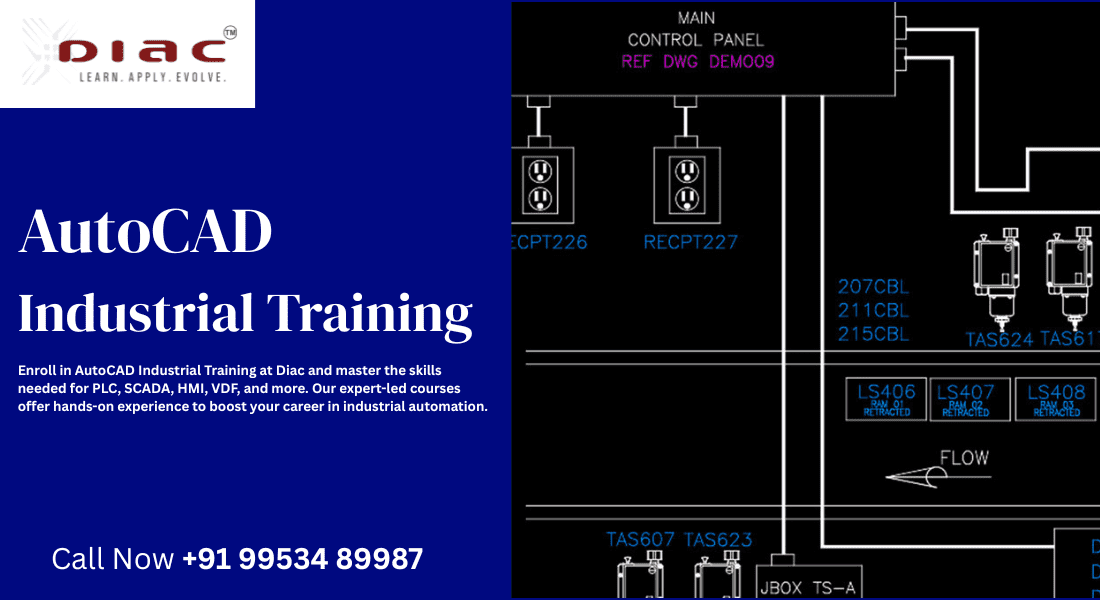
When it comes to industrial automation, mastering AutoCAD is an essential skill that sets professionals apart. If you’re looking to enhance your career in the world of PLC, SCADA, HMI, VDF, and AutoCAD, you’re in the right place. Diac institute offers top-notch AutoCAD industrial training that empowers individuals to excel in these fields. Whether you’re an aspiring professional or looking to upgrade your skills, our AutoCAD training will give you the knowledge and hands-on experience needed to succeed.
What is AutoCAD and Its Relevance in Industrial Automation?
Defining AutoCAD
AutoCAD is a leading design software developed by Autodesk, widely used across various industries for creating precise 2D and 3D designs. It is known for its powerful tools that allow professionals to draft, model, and visualize their concepts. AutoCAD plays a crucial role in industrial automation by aiding in the design and development of control systems, machinery layouts, and more.
Why AutoCAD is Vital in Industrial Automation
In industrial automation, AutoCAD is indispensable for creating clear and accurate designs for control systems, electrical circuits, and mechanical components. It allows engineers and designers to conceptualize, simulate, and communicate their ideas effectively. AutoCAD’s versatility and ability to integrate with other automation software make it a go-to tool in industries ranging from manufacturing to energy and automotive.
Applications of AutoCAD in Industries
AutoCAD is used for a wide range of applications in industrial settings:
1. PLC & SCADA: Designing layouts and control panel schematics.
2. HMI: Creating user interfaces for controlling industrial systems.
3. Mechanical Engineering: Drafting machine parts and mechanical components.
4. Electrical Systems: Designing circuit diagrams and electrical layouts.
Why Choose DIAC Instutite for AutoCAD Industrial Training?
1. Expertise and Experienced Trainers
At Diac institute, we pride ourselves on having a team of highly skilled and experienced trainers who are experts in AutoCAD and industrial automation. Our instructors bring real-world experience into the classroom, ensuring that students get the best possible guidance and support.
2. Comprehensive Training Modules
Our AutoCAD industrial training covers everything from the basics to advanced techniques, ensuring that learners of all skill levels can benefit. The training is structured to provide a well-rounded understanding of the software and its applications in industrial automation.
3. Hands-on Practical Experience
We believe that theory without practice isn’t enough. That’s why our training programs emphasize hands-on experience. Students work on real-world projects, gaining practical skills that can be directly applied in the field.
Course Details: AutoCAD Industrial Training
Overview of the Course Structure
Our AutoCAD industrial training program is carefully designed to cover a broad spectrum of topics. Starting with the fundamentals, the course gradually moves into advanced concepts tailored for industrial applications. Whether you’re learning how to draft a basic electrical diagram or designing a complex automation system, we’ve got you covered.
Duration and Timing
The training program is flexible, offering both short-term and long-term courses depending on your needs. You can opt for weekend classes, evening sessions, or full-time training, ensuring that your schedule isn’t a barrier to enhancing your skills.
Course Content Breakdown
1. Introduction to AutoCAD: Basics of AutoCAD, tools, and commands.
2. 2D Drafting and Annotation: How to create precise drawings and annotations.
3. 3D Modeling and Visualization: Understanding 3D modeling techniques for industrial designs.
4. Customization: Creating custom toolbars, shortcuts, and settings.
5. Industry-Specific Applications: Using AutoCAD for PLC, SCADA, and other industrial processes.
Module 1: Introduction to AutoCAD for Industrial Automation
a. Basic Tools and Interface
The first module introduces students to the AutoCAD interface, key tools, and the layout. You’ll learn how to navigate the software, customize your workspace, and use basic commands to create accurate 2D drawings.
b. Drawing and Designing with AutoCAD
This section dives deeper into the basics of creating and modifying 2D objects, including lines, arcs, circles, and more. You’ll also learn about layers, dimensions, and annotation techniques that are essential for industrial designs.
Module 2: Advanced AutoCAD Features for Industrial Applications
a. 3D Modeling and Design
After mastering 2D drafting, students move on to 3D modeling techniques. This module covers how to create complex three-dimensional models, a critical skill for designing machinery and other industrial components.
b. Customization and Advanced Commands
AutoCAD offers advanced features like dynamic blocks, parametric constraints, and automation tools. In this module, students learn to customize their workspace and leverage advanced commands to speed up their workflow.
Module 3: Industry-Specific Applications of AutoCAD
a. Application in PLC and SCADA Design
AutoCAD plays a major role in designing control systems. In this module, students will learn how to create schematic diagrams for PLC systems and how to incorporate SCADA systems into their designs.
b. AutoCAD for Electrical Diagrams
Students will also explore how AutoCAD is used in electrical engineering to design control panel layouts, circuit diagrams, and other electrical components critical in industrial automation.
c. AutoCAD for Mechanical Systems
This section focuses on using AutoCAD for mechanical systems design, such as drafting machinery components and creating layouts for industrial equipment.
The Benefits of Completing AutoCAD Industrial Training
Skill Enhancement for Career Growth
Completing AutoCAD training can significantly enhance your technical skills, making you more competitive in the job market. The ability to design and draft using AutoCAD is a highly sought-after skill in many industries.
Improved Job Opportunities
Industries rely heavily on AutoCAD-trained professionals. With our training, you’ll be equipped to take on roles in engineering, automation, and design, increasing your employability.
Relevance in the Modern Industrial Landscape
As industries continue to evolve, the demand for automation professionals skilled in AutoCAD is increasing. This training ensures you remain relevant in a competitive and ever-changing job market.
Why Industrial Automation Skills Are in High Demand
The Growing Need for Automation Professionals
With the rise of smart factories, robotics, and IoT, industrial automation is becoming more critical than ever. Professionals with AutoCAD and automation skills are in high demand to design and implement these systems.
Industry Trends and Career Growth
The industrial automation field is expanding rapidly, creating a wealth of opportunities for skilled professionals. AutoCAD proficiency is an essential part of this growth, making our training a smart investment in your future.
FAQs
1. What is the duration of the AutoCAD industrial training?
The duration depends on the course you choose, but most courses range from 4 to 12 weeks.
2. Do I need prior experience with AutoCAD?
No, our training is designed for beginners, but some knowledge of basic design principles is beneficial.
3. Is the training available online?
Yes, we offer both classroom and online training options for your convenience.
4. What industries can benefit from AutoCAD training?
AutoCAD training is beneficial for professionals in industries such as manufacturing, energy, automotive, and electrical engineering.
6. Can I get a job after completing this course?
Yes, our training equips you with the skills required for various roles in industrial automation, significantly improving your job prospects.