
Introduction to PLC and SCADA
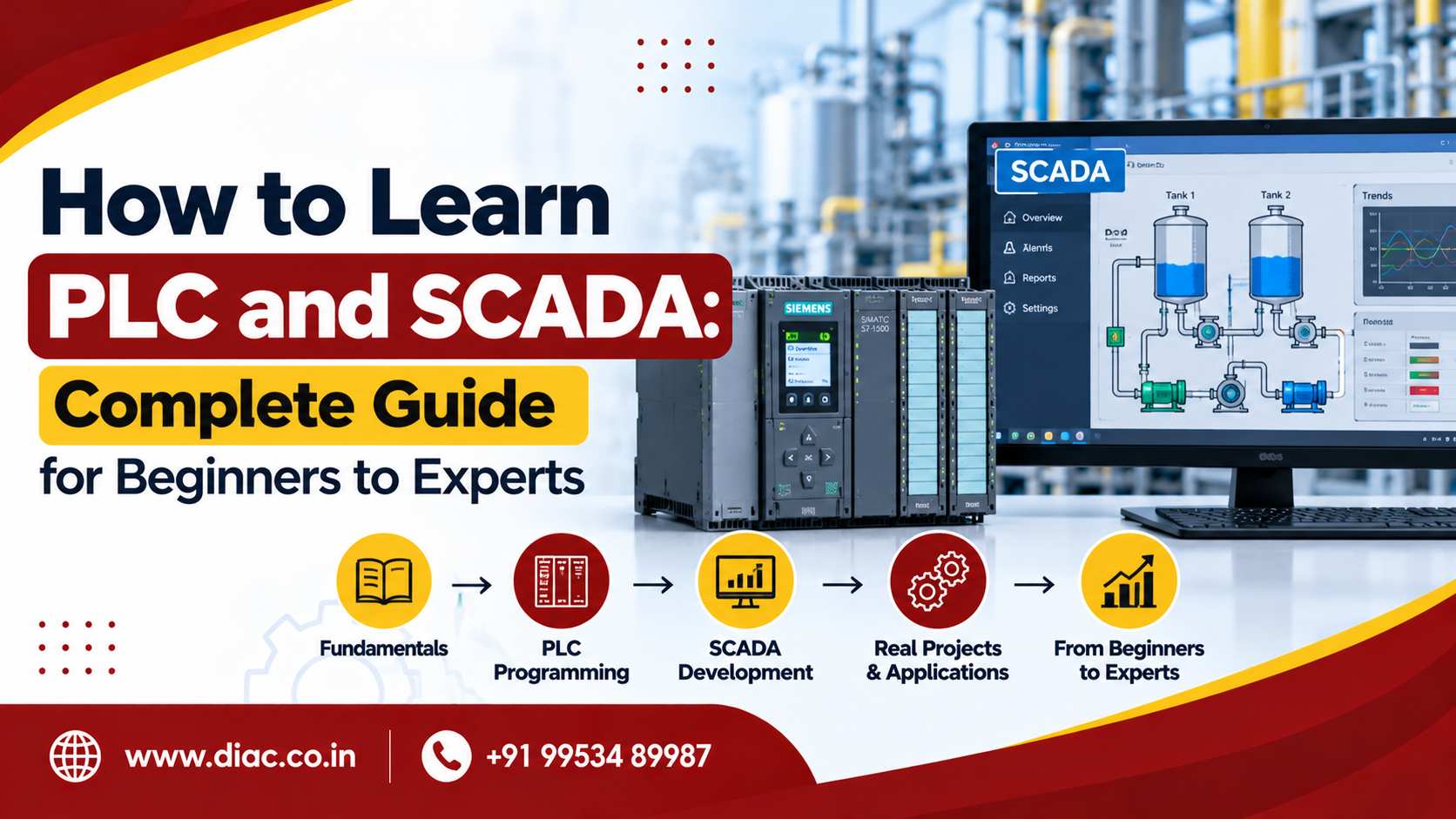
PLC (Programmable Logic Controller) and SCADA (Supervisory Control and Data Acquisition) are integral components of industrial automation systems. These technologies enable efficient control, monitoring, and data collection for various processes, ranging from manufacturing to power generation.
-
PLC Overview: A Programmable Logic Controller (PLC) is a rugged digital computer used to automate industrial processes, like controlling machines or entire production lines. Unlike traditional computers, PLCs are designed to withstand harsh industrial environments with vibrations, temperature extremes, and dust.
-
SCADA Overview: SCADA is a system that allows operators to remotely monitor and control processes. It connects to field devices like sensors and actuators, collecting real-time data and presenting it on an HMI (Human-Machine Interface). SCADA systems provide visibility of the entire industrial process from a central control room.
Learn PLC SCADA Online and Offline: Book Free Demo
Understanding the Basics of Automation Systems
Before diving into PLC and SCADA, it’s essential to grasp the fundamentals of automation.
-
What is Automation?
Automation is the use of control systems to manage machinery and processes. It minimizes human intervention and optimizes efficiency. Automation systems include various sensors, controllers, and software integrated to ensure smooth operations in factories, power plants, and more.
-
The Role of PLC and SCADA:
PLCs control the operation of machinery, while SCADA provides centralized monitoring and control. Together, they form the backbone of many industrial operations.
Learning PLC Programming
PLCs are programmed to control machines, devices, and processes. The programming aspect is crucial for understanding how automation systems work
.
-
Types of PLCs:
- Allen-Bradley, Siemens, and Mitsubishi are common PLC brands. Each brand has its own software and programming environment.
-
PLC Programming Languages: The main languages for PLC programming are:
-
1. Ladder Logic: This is the most widely used programming language and resembles electrical relay logic diagrams. It’s easy to understand and use.
2. Functional Block Diagram (FBD): This graphical language uses blocks to represent operations.
3. Structured Text (ST): This high-level text-based language is like C or Pascal.
-
Key Components of PLC:
- 1. Inputs/Outputs (I/O): PLCs receive input from sensors (e.g., temperature, pressure sensors) and control outputs like motors, lights, etc.
- 2. CPU (Central Processing Unit): The "brain" of the PLC, which executes programs.
- 3. Power Supply: Ensures that the PLC has the necessary electrical power to operate.
-
Practical Example:
- Program a PLC to control a simple conveyor belt system.
- Use sensors (inputs) to detect objects, and use motors (outputs) to move the belt.
-
PLC Programming Software: Popular software used for programming PLCs includes:
- RSLogix 5000 for Allen-Bradley PLCs.
- TIA Portal for Siemens PLCs.
Learning SCADA Systems
SCADA systems are used to monitor and control PLCs and other industrial devices. They offer a visual interface to monitor real-time data, and manage operations across large industrial plants or multiple locations.
-
Overview of SCADA Components:
- 1. Supervisory Computers: Central servers that control and display data.
- 2. RTUs (Remote Terminal Units): Devices that collect data from field devices and send it to the supervisory computers.
- 3. HMIs (Human-Machine Interfaces): The graphical interface that allows operators to interact with the SCADA system.
-
How SCADA Works: SCADA systems collect data from PLCs, sensors, and other devices. This data is then displayed on HMI screens, where operators can monitor the process in real time. If needed, operators can adjust setpoints, turn equipment on/off, or troubleshoot issues through the SCADA interface.
-
Popular SCADA Software:
- 1. Wonderware: A widely used SCADA software known for its flexibility and ease of integration.
- 2. Ignition: An open-source SCADA system with powerful features and a modern architecture.
- 3. Siemens WinCC: A comprehensive SCADA system for industrial automation.
Integration of PLC and SCADA
PLC and SCADA systems work together to create a seamless automation environment.
-
Communication Between PLC and SCADA: To allow SCADA to interact with the PLC, you need communication protocols such as Modbus or OPC (Open Platform Communications). These protocols enable the SCADA system to fetch real-time data from the PLC and send control commands.
-
Setting Up Communication: For example, configuring a Modbus TCP/IP connection between the PLC and SCADA can ensure that the SCADA system receives data from PLC-controlled devices and can send control commands back to the PLC.
-
Troubleshooting: If the PLC isn’t responding to SCADA commands, check the communication cables, IP addresses, and protocol settings to resolve the issue.
Advanced Topics in PLC and SCADA
Once you grasp the basics, it's time to explore more complex topics.
-
1. SCADA Security: As SCADA systems are often connected to critical infrastructure, cybersecurity is essential. Learn about securing your SCADA network to prevent unauthorized access.
-
2. PLC Networks and Distributed Control Systems (DCS): Large-scale systems may have multiple PLCs distributed across different locations. Learn how to set up networked PLCs for broader control.
-
3. Data Logging and Reporting: SCADA systems often log data over time for analysis and reporting. You can set up historian databases to store process data and generate reports for further analysis.
Practical Applications and Projects
Learning by doing is crucial when it comes to mastering PLC and SCADA systems.
-
Hands-on Projects:
- Create a simple automation project, such as controlling the lighting system in a building using PLC.
- Set up a SCADA system to monitor and control temperature in a factory using PLC.
-
Simulation Software: Use simulation tools like Factory I/O or PLCSim for practical experience without needing expensive hardware.
Resources for Learning PLC and SCADA
DIAC | Industrial Automation and Robotics Training Institute
📧 Email: training@diac.co.in
📞 Phone: +91 9953489987, +91 9818780412, +91 9711287737
🌐 Website: www.diac.co.in
📍 Address: C-65, 2nd Floor, Metro Station, near Sector-15, C Block, Sector 2, Noida, Uttar Pradesh 201301
Certifications and Career Opportunities
A certification in PLC and SCADA can significantly enhance your career prospects in the industrial automation field.
-
Certifications:
- Siemens offers certifications for their PLC programming.
- Allen-Bradley provides certification for their PLC software and systems.
-
Job Opportunities:
- 1. Control Systems Engineer
- 2. SCADA System Administrator
- 3. Automation Engineer
Conclusion
Learning PLC and SCADA requires both theoretical knowledge and practical experience. As you progress, continue building projects, experimenting with different PLC models and SCADA software, and staying up-to-date with industry trends. With dedication and hands-on practice, you can master these technologies and open up career opportunities in the thriving automation sector.
By following this structured approach, you will gain a solid understanding of both PLC and SCADA systems, equipping you with the skills to work on real-world automation projects.