
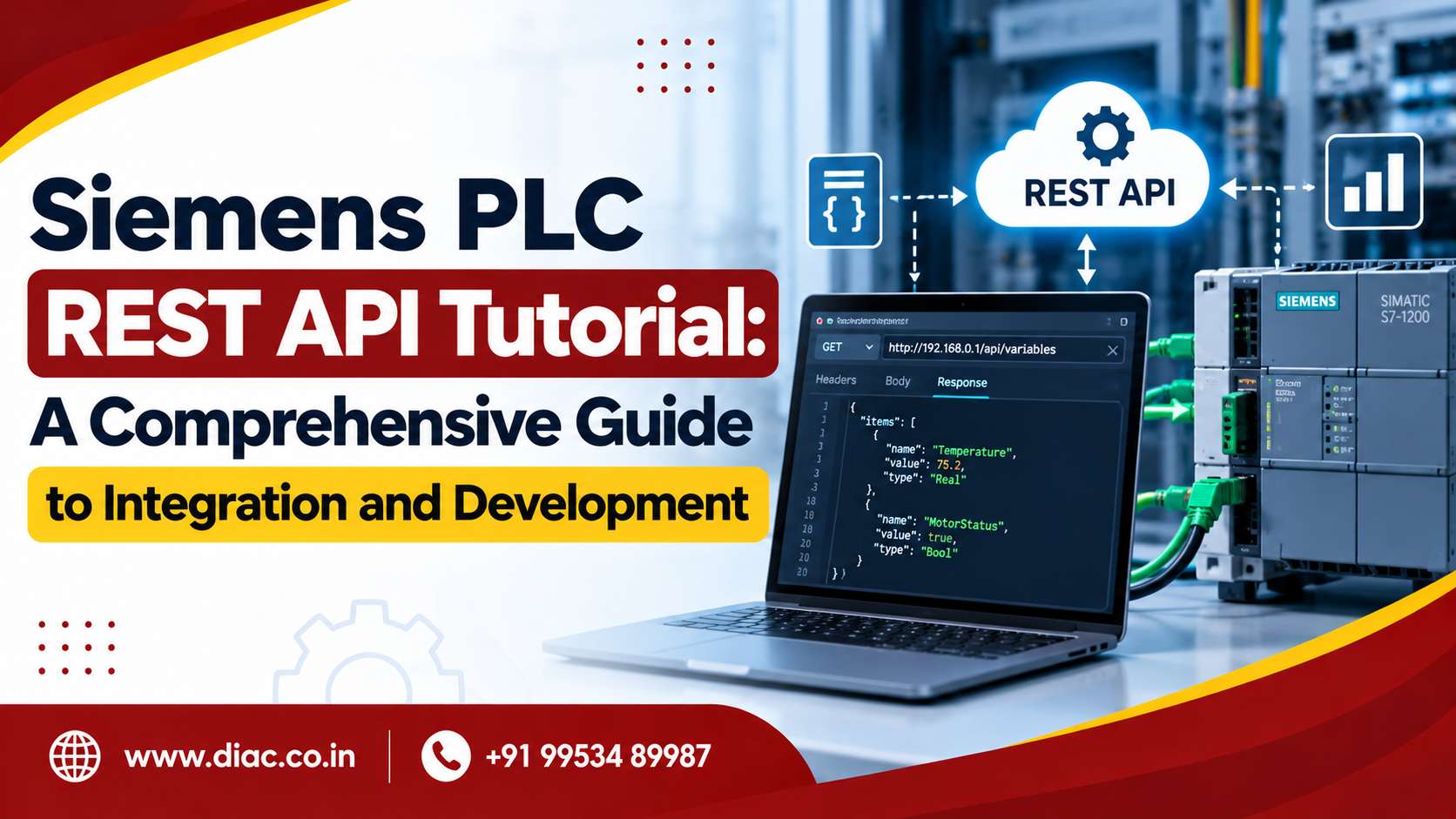
The Siemens PLC REST API offers an efficient and modern approach to industrial automation, enabling seamless integration with web-based applications and remote control of programmable logic controllers (PLCs). In this tutorial, we will explore everything you need to know about Siemens PLC's REST API, from its setup and configuration to advanced usage examples and troubleshooting techniques. By the end of this guide, you'll be equipped with the knowledge to successfully utilize this powerful tool in your industrial automation projects.
What is Siemens PLC REST API?
The Siemens PLC REST API is a web-based application programming interface that allows external systems to interact with Siemens PLCs over HTTP/HTTPS protocols. Unlike traditional communication methods like OPC or proprietary protocols, the REST API provides a more flexible, modern, and lightweight interface for controlling and monitoring PLCs.
With RESTful architecture, you can send and receive HTTP requests (GET, POST, PUT, DELETE) to interact with a Siemens PLC. This method is often preferred for its simplicity, scalability, and compatibility with a wide range of devices and platforms, including IoT devices, cloud platforms, and enterprise applications.
Why Use Siemens PLC REST API?
- Simplified Integration: The REST API simplifies communication with Siemens PLCs, making it easier to integrate with web-based systems or IoT devices.
- Cross-Platform Compatibility: It works seamlessly across various platforms, enabling integration with cloud services, mobile applications, and other industrial equipment.
- Remote Monitoring and Control: The REST API allows for remote access, making it possible to monitor and control PLCs from anywhere with an internet connection.
- Scalability: As businesses grow, the Siemens PLC REST API allows for easy expansion and integration with new devices or systems.
Setting Up the Siemens PLC REST API
Before using the Siemens PLC REST API, you need to ensure your PLC is properly configured to allow HTTP/HTTPS access. Follow these steps for setup:
Step 1: Enable the Web Server on the PLC
To start using the REST API, you first need to enable the web server functionality on your Siemens PLC. Depending on the PLC model (e.g., S7-1200, S7-1500), the process may vary slightly. In general, follow these steps:
- Access the PLC through TIA Portal.
- Navigate to the PLC's Communication Settings.
- Enable the Web Server feature.
- Configure the web server to allow access to the REST API.
Step 2: Configuring Network Settings
Ensure that your PLC is properly connected to the network, whether it’s through Ethernet or Wi-Fi. Check the following settings:
- IP Address: Assign a static IP address to the PLC to ensure consistent communication.
- Subnet Mask: Make sure the subnet mask matches the network configuration.
- Gateway: If necessary, configure the default gateway for external communication.
Once these settings are applied, test the connection to the PLC by accessing the web server via a browser or HTTP client tool.
Step 3: Authentication and Security
To secure your REST API, enable authentication mechanisms on the PLC. Most Siemens PLCs support Basic Authentication, where you provide a username and password in the HTTP request header. Additionally, you can implement HTTPS to encrypt the data being transmitted, preventing unauthorized access to your system.
Making API Requests to the Siemens PLC
Once the Siemens PLC REST API is set up, you can start making requests. The REST API supports a variety of methods for interacting with your PLC, including reading and writing data, as well as controlling various aspects of the device. Below are common API requests:
1. GET Request: Reading Data from the PLC
The GET request is used to retrieve data from the PLC. This is useful for monitoring inputs, outputs, and internal variables. An example GET request might look like this:
GET http://
This request fetches the value of the TemperatureSensor variable from the PLC. You can use any standard HTTP client, like Postman or CURL, to make this request.
2. POST Request: Writing Data to the PLC
The POST request allows you to send data to the PLC, such as setting an output value or modifying an internal variable. For instance, to set an output to a specific value:
POST http://
Content-Type: application/json
{
"value": 1
}
1 to the OutputMotor variable, which could activate a motor in an industrial system.
3. PUT Request: Updating Existing Data
A PUT request is used to modify existing data. This can be useful for updating variables that have been previously set. For example:
PUT http://
Content-Type: application/json
{
"value": 75
}TemperatureSensor to 75.
4. DELETE Request: Deleting Data or Resetting Variables
The DELETE request allows for removing a variable or resetting its value. While this method isn’t frequently used, it can be valuable for clearing settings or variables:
DELETE http://
Advanced Features of Siemens PLC REST API
The Siemens PLC REST API provides several advanced capabilities for complex industrial systems. Here are some of the more sophisticated features:
1. Real-Time Data Streaming
Some Siemens PLC models support real-time data streaming over HTTP, allowing external systems to receive constant updates about certain PLC variables. This is especially useful for time-sensitive applications like real-time monitoring of production lines or critical system alerts.
2. Event Handling and Notifications
The Siemens PLC REST API also supports event-based triggers. You can configure the PLC to send a notification to a remote system when certain conditions are met (e.g., when a sensor value exceeds a threshold). These notifications can be sent via webhooks or other methods, helping automate processes and ensuring quick responses to operational issues.
3. Batch Operations
For applications that require modifying multiple variables simultaneously, the Siemens PLC REST API allows for batch operations. You can group several read, write, or update commands into a single API call, reducing the overhead and improving performance in industrial automation systems.
Troubleshooting Siemens PLC REST API
While the Siemens PLC REST API is generally reliable, there can be occasional issues. Here are some troubleshooting tips:
- Connection Issues: Ensure that the PLC's web server is running and that the network connection is stable.
- Authentication Errors: Double-check your username and password. If using HTTPS, make sure SSL certificates are properly configured.
- Timeouts: Adjust the timeout settings in your HTTP client to allow for longer wait times, especially in large industrial environments where data transfer might be delayed.
- Invalid Responses: If the API returns errors, check the response status codes for clues. Common status codes include
400for bad requests,401for unauthorized access, and404for not found.
Best Practices for Using Siemens PLC REST API
To ensure efficient and secure use of the Siemens PLC REST API, follow these best practices:
- Use HTTPS: Always use HTTPS to encrypt communication and protect sensitive data.
- Limit API Access: Only expose the REST API to trusted devices or users to prevent unauthorized access.
- Monitor API Calls: Implement logging and monitoring systems to keep track of API usage and detect potential issues early.
- Optimize Requests: Avoid making unnecessary API requests to minimize network load and improve system performance.
Conclusion
The Siemens PLC REST API opens up a world of possibilities for modernizing industrial automation systems. By following the steps outlined in this guide, you can quickly set up and begin using the API to control, monitor, and integrate Siemens PLCs with other systems. Whether you're looking to streamline your processes, enhance security, or create more robust IoT solutions, the Siemens PLC REST API is a powerful tool that will help you achieve your goals.